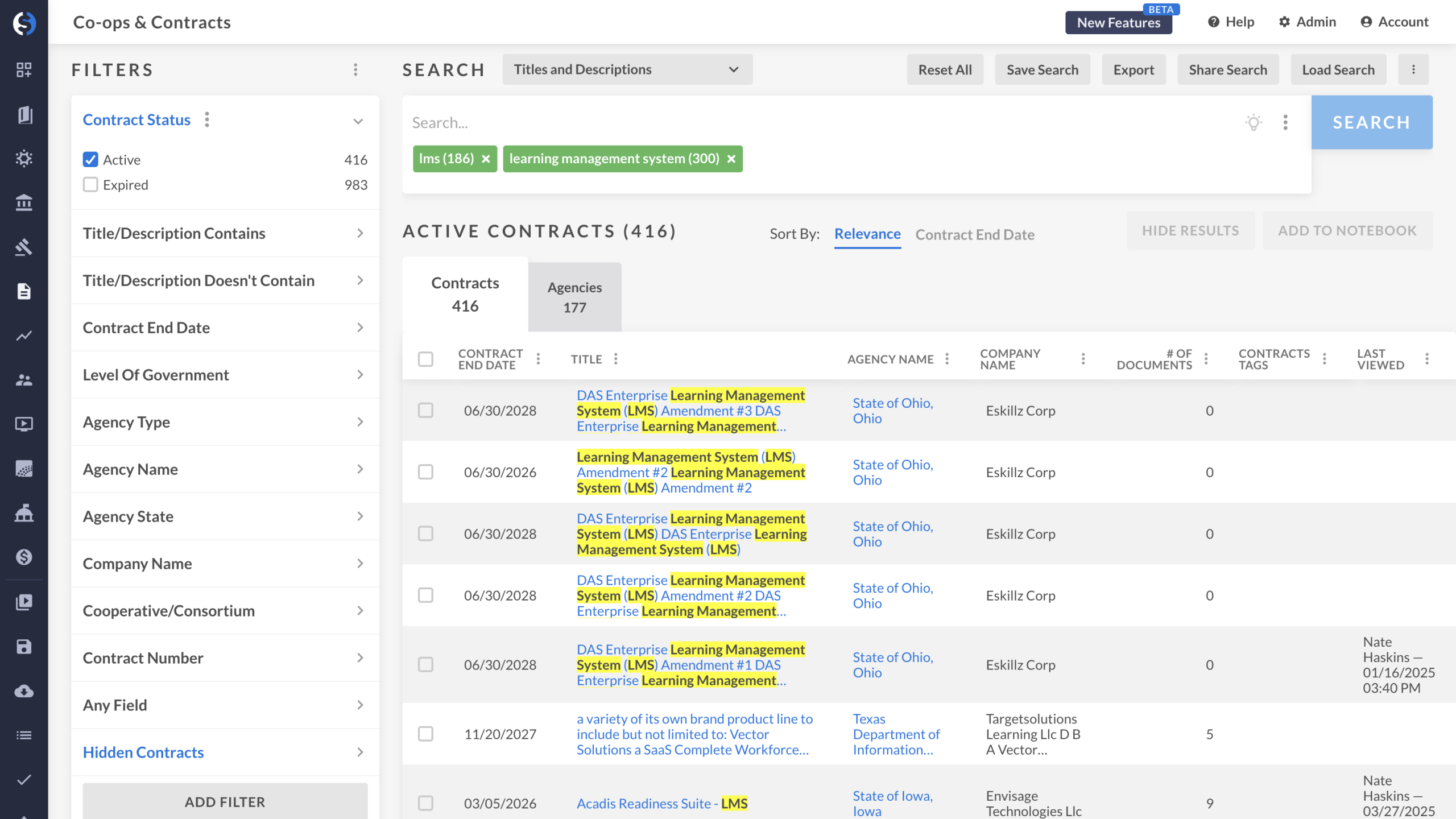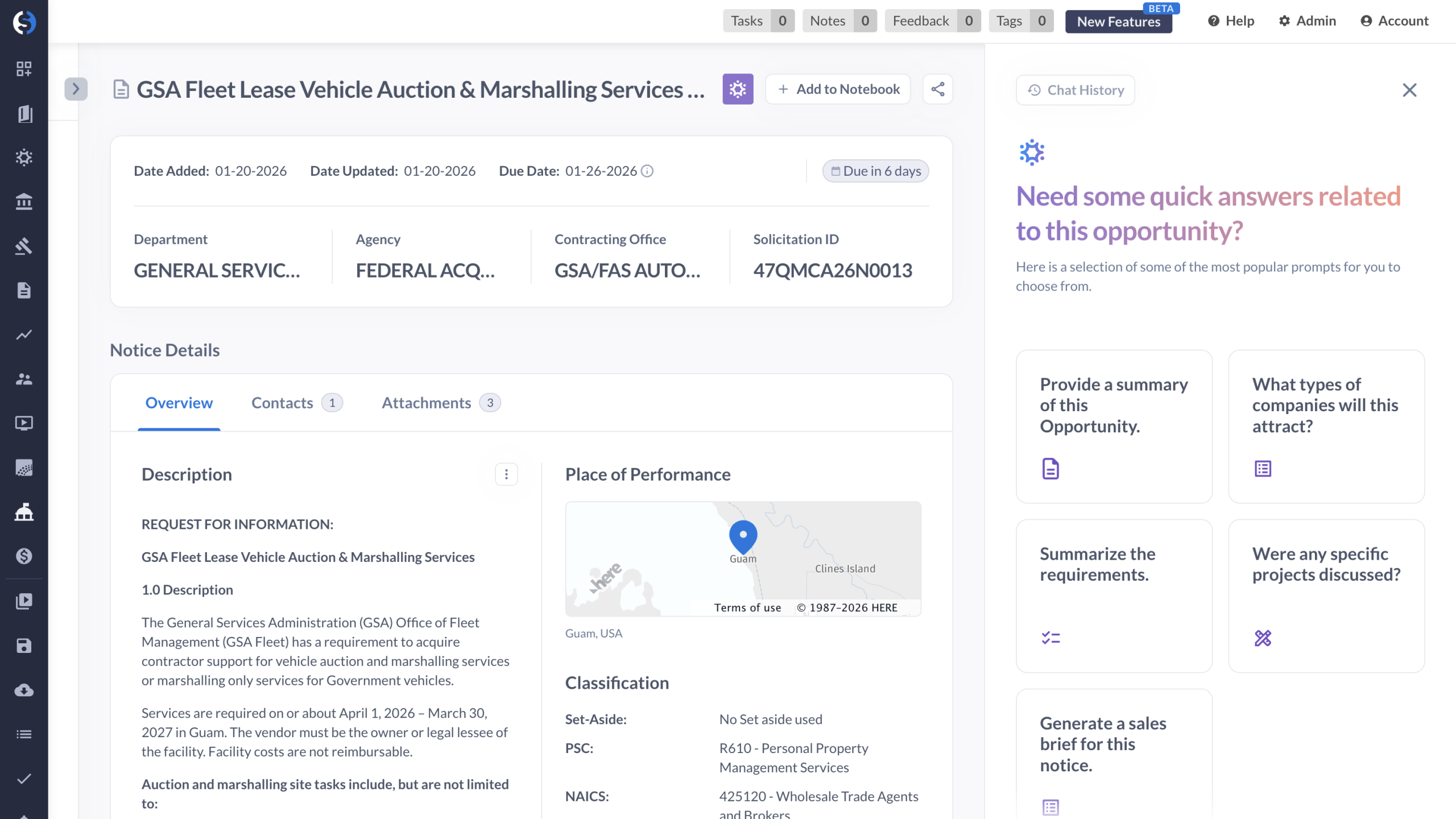
Hi everyone. My name is Daniel from GovSpend. Today I'm going to take you through a tour on one of our newest search modules in GovSpend called our Open SAM Notices Search. And the idea behind the search is to allow you to search through all of the available notice types that you would normally find in sam dot gov, but with the addition of GovSpend's AI features. So without further ado, let's go ahead and take a tour. Now, as I open up our first search here, you're gonna notice I have a sample search built with our keyword for cybersecurity. Think of that like the keyword I'm trying to look for in our records. But towards the left hand side, you're also going to notice I have another filter turned on called notice type. Again, is for example purposes, but I like having this filter turned on to find specific types of notices that happened before the formal solicitation. Think of things like sources sought notices or pre solicitations or even special notices. Think of things like industry days, for example. Having a search like this allows me to find specific notices that typically take place before, again, your formal solicitation. Now once you've built your search, the next step is to of course review the records and click on the one that you think fits best for you. And for this example, we're going to go ahead and use this one right here. So I'll go ahead click on the title. And once we've done that, our new result loads up on screen. Now what I want to do is I want to walk through some of these notice details that we see. That way you get more familiar with really what AI is doing to these SAM notices. I'll draw your attention to the notice details, but more specifically, the description that says AI. Now one of the nice things about GovSpend is when it comes to reviewing those SAM notices, again that you would typically see in sam dot gov, is depending on how the person that wrote that SAM notice writes it, they may not always put the best formatting in. Like think of bullet points for example. The nice thing about GovSpend AI, and I'll show you an example what this looks like, is we have the ability to add extra bullet points to make the formatting of that solicitation feel cleaner. I'll go and show you an example of that now. I'll click these three dots over here towards the right hand side and I'll change this from it already saying AI generated to original instead. Now you're going to notice that some of those bullet points that we just saw a moment ago disappeared. This is the original format, the original view. But again, with the power of AI, we have the ability to reformat that same description. That way it's cleaner and ultimately easier to digest. In addition, we also have other AI features available for this specific record. That's going to draw our attention to our GovSpend AI prompt tool towards the top right hand corner of any record in our Centimeters notices search. Now once I go ahead and open up that panel, you're section on the right hand side that says need some quick answers related to this opportunity. You're also going to notice that there are some of these sample prompts here, but I want you to think of these like a Gemini or a JAT GPT or another LLM that allows you to simply ask questions and find answers faster without you having to read the entire solicitation. I'll show you an example of why this can be so helpful. Now many of you that have reviewed SAM notices before are probably aware that a lot of SAM notices can feel pretty long. There's a lot of stuff that you'd have to typically read to understand the solicitation in its entirety. But using prompts such as provide a summary of this opportunity gives me the ability to get the answers that I need faster without having to scan the entire description of that specific solicitation, of that specific source of sought notice, etc. Just as you'll see here, pretty quick, we get that much shorter summary of what exactly is taking place for this specific opportunity. In addition, you have other pre made prompts as well. One of my favorite ones I like to show is generate a sales brief for this notice. The reason why I like showing this one too is because this one ultimately goes over items such as scope of work or what the purpose of this specific opportunity is. As it continues to load, we'll see once again we get all those different fields tied to scope of work, overview of requirements. That's the type of stuff you can find with the sales brief prompt. In addition, you also can write out your own custom questions. For example, you may want to ask the AI to provide a contact information for this opportunity. I'll go ahead and click search here. You'll see right away it pulls up our contact for this specific opportunity. Now the reason why I wanted to show you this is because inside of this entire solicitation, if I scroll through this, you actually would not find Jose anywhere on here. That's because the AI has a bonus feature included which allows it to also review any attachments that are linked to that solicitation where we can see Jose in this example here, allowing the AI to not only search the general description, but also read those attachments that you're used to seeing in SAM dot gov. With that, that gives you a brief tour of our awesome AI features inside of our SAM notices search. Thank you for your time.
Take a tour of GovSpend’s Open SAM Notices Search and see how AI transforms how teams find and evaluate early-stage federal opportunities. This demo shows how users can filter pre-solicitation notices, clean up and reformat poorly structured descriptions, and use AI prompts to instantly generate summaries, sales briefs, and key contact details—even pulling insights from attached documents—so you can move faster and focus on the opportunities that matter most.