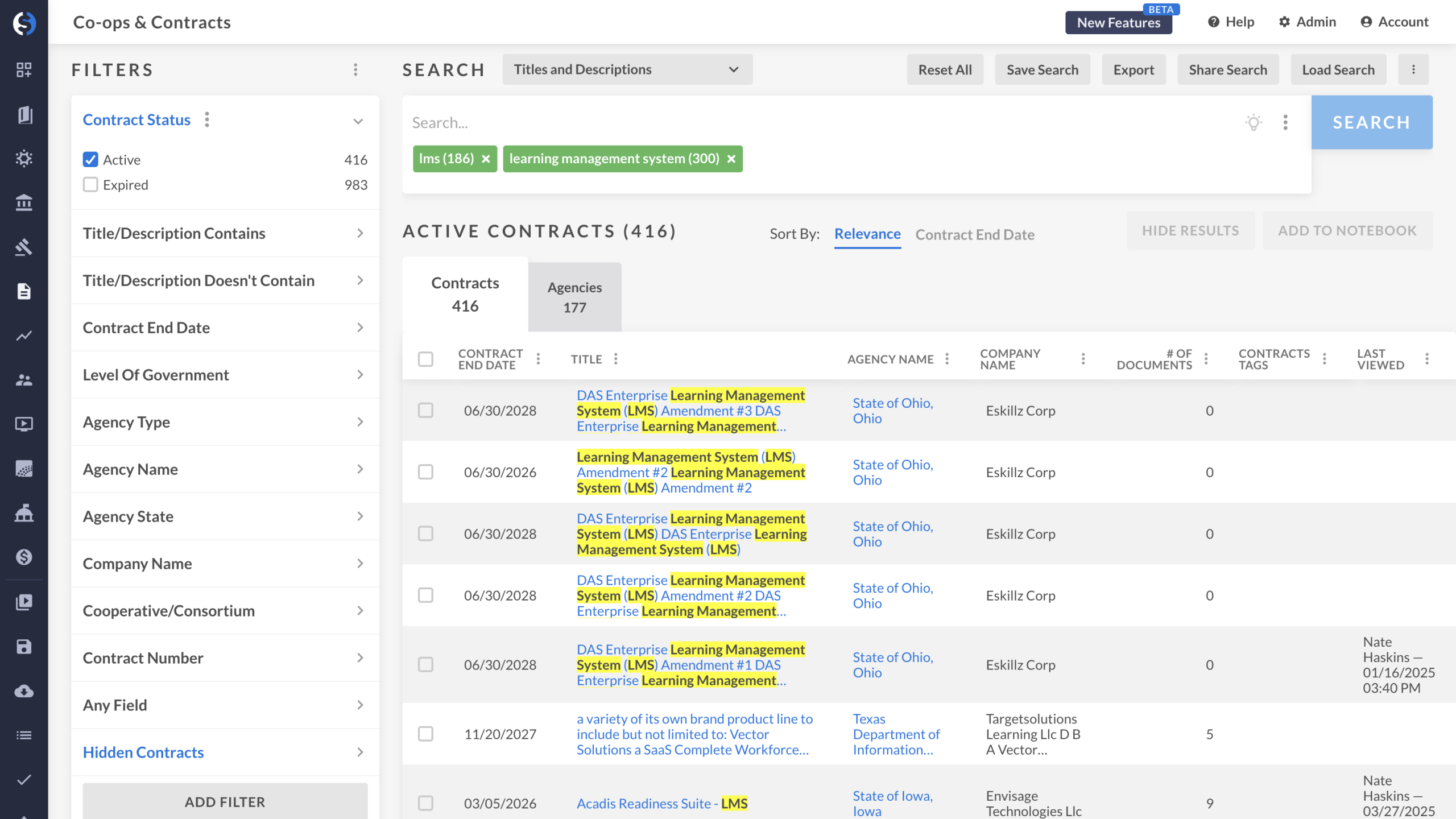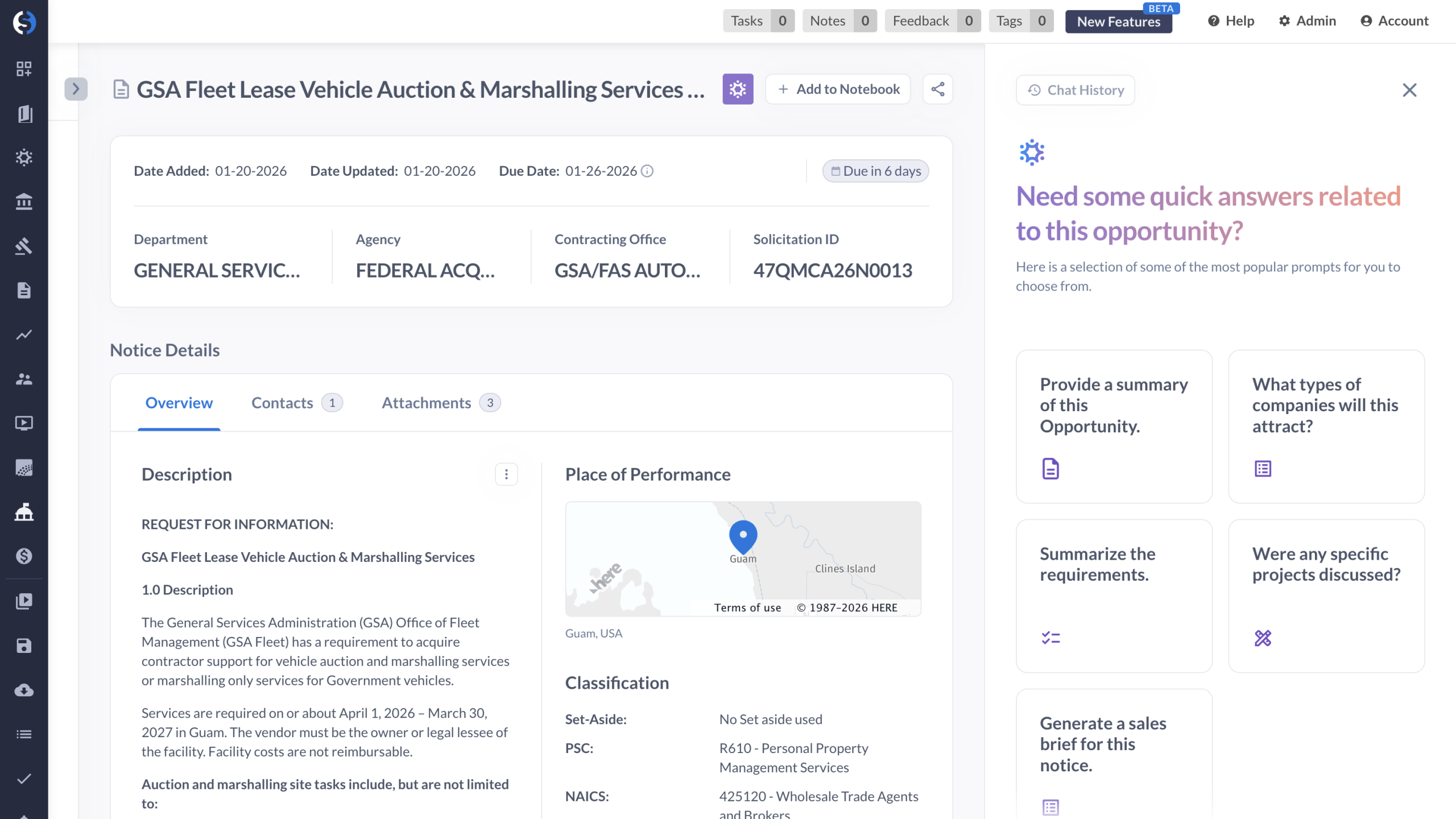
Hi. This is Andrew Gordon, senior solutions engineer at GovSpend. Today, we're gonna be looking at GovSpend CRM integration capabilities and how we can help you to track opportunities in your native CRM environment. For this example, what we're looking at are expiring contracts for learning management systems in Texas, California, and New York. What we can do is we can pick an example we'd like to look at. For example, here's the learning management system contract between the region four education service center in Texas and their vendor and structure. If I open up this particular contract, I can see the details associated with it. Specifically, I can see the contract end date as well as the files associated with this particular award. What I can do is I can easily go up to my button that says add to CRM. And now I can go ahead and just click contract to opportunity to have this flow over straight into my CRM so I can track and see all the details that I've mapped over for this particular contract record. We can map over the files as URLs, the end dates, and any other associated details for this particular agency's award to this vendor. Thanks so much for your time.
See how GovSpend’s CRM integration lets teams move seamlessly from contract discovery to opportunity tracking inside their native CRM. This walkthrough shows how users can select expiring contracts, view key details and attachments, and push records directly into their CRM—mapping end dates, files, and agency information—so opportunities stay organized, visible, and easy to manage from start to finish.