
Most teams today are trying to figure out how AI actually fits into their workflow. It’s easy to ask questions and get answers. The harder part is getting those answers grounded in the data you actually rely on, like what’s inside GovSpend.
That’s where MCP comes in.
What is MCP?
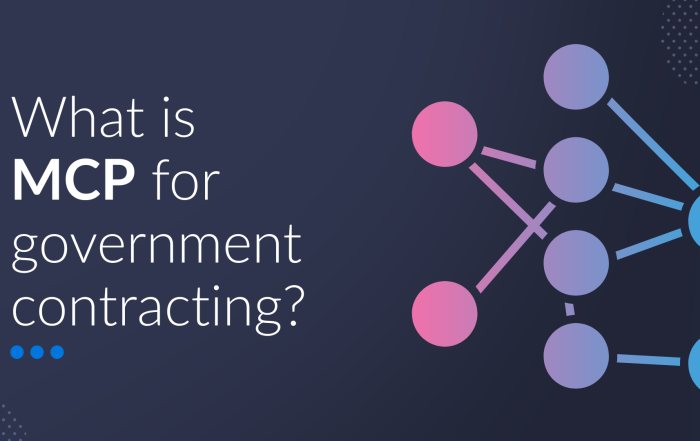
MCP (Model Context Protocol) is what allows AI tools to access data they normally can’t access, such as proprietary data within GovSpend. Without MCP, your AI is limited to what it can find on the internet. With MCP, it can tap into your actual data sources, including GovSpend. In practice, that means you don’t have to log in, run searches, and piece things together manually. You can simply ask your AI tool for what you need, and it pulls the data for you. It’s a shift away from navigating tools and toward asking better questions. More importantly, it moves AI from something you talk to into something that can actually work with your data.
How it works
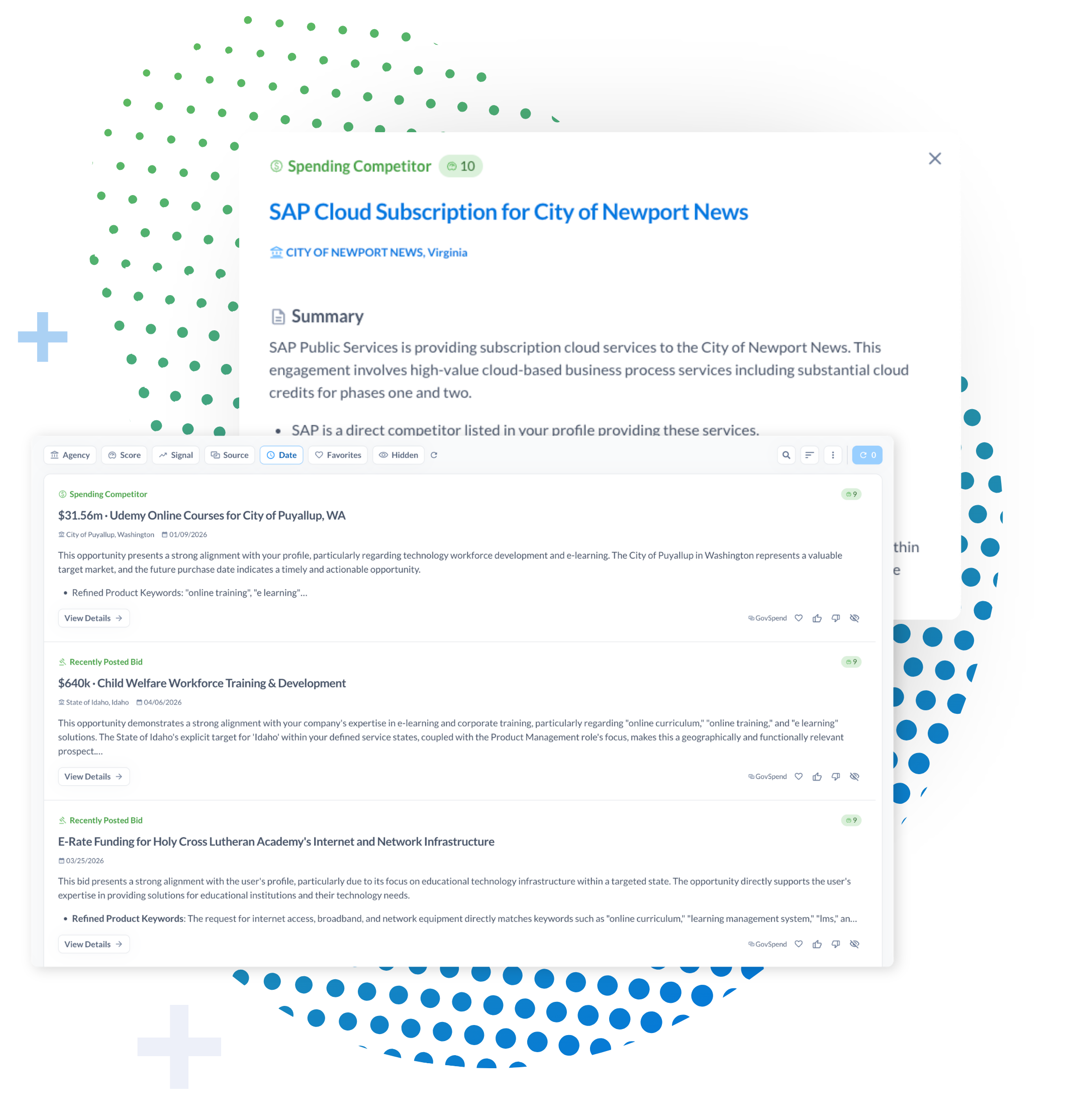
From your perspective, it feels like any other AI interaction. You ask a question and get an answer. Behind the scenes, your AI tool recognizes when it needs GovSpend data. It sends a request through GovSpend’s MCP, which pulls the relevant information from the platform and returns it. Your AI then uses that data to generate a response. No switching between tabs or manual filtering—just answers grounded in real data.
Why teams are interested in MCP
For teams dealing with complex questions or multiple data sources, MCP can meaningfully change how work gets done. Instead of checking one dataset at a time, you can ask broader questions and get a more complete picture in a single response. Instead of jumping between GovSpend, your CRM, and other tools, your AI becomes the place you start. The biggest difference shows up in day-to-day work. Less time spent searching, more time actually using the information.
So… is MCP right for you?
The answer really comes down to how your team works today. MCP tends to be a strong fit for teams that are already using AI in a more structured or operational way, not just for one-off questions.
If your team is experimenting with connecting AI to internal systems, building workflows, or trying to centralize how data is accessed across tools, MCP starts to make more sense. It is less about prompting for quick answers and more about enabling your AI to reliably pull from systems like GovSpend as part of a broader workflow.
It is also a better fit when your team regularly works across multiple datasets or tools and needs to bring that information together. In those cases, MCP can streamline how data is accessed and reduce the need to jump between platforms.
A few signs MCP may be worth exploring:
- You are already connecting AI tools to internal data sources or systems
- There is a clear need to standardize how data is accessed across teams
- Your team frequently works across multiple datasets or platforms
- You have technical resources available to support setup and integration
On the other hand, MCP is not always the right move, at least not right away.
If your team is still getting comfortable with GovSpend, or if AI is not something you rely on yet, it can feel like more than you need. The same goes for teams that prefer working directly in the platform or do not have the technical resources to support an integration.
It is worth noting that getting started with MCP requires a level of technical comfort. To access the MCP server, your team should be familiar with concepts such as API keys and be comfortable installing or configuring applications, often through tools like a terminal environment.
If your primary goal is simply to ask questions and get quick answers, tools like GovSpend’s AI Search likely cover what you need today. For many teams, it makes sense to continue using those tools and revisit MCP later, once the need for deeper integration and automation is clearer.
Not ready for MCP? You still have options
MCP is just one way to access GovSpend data. Depending on your workflow, another approach may be a better fit right now.
If your focus is on keeping systems up to date automatically, GovSpend’s API and CRM integrations are often the better choice. These are built for scheduled data enrichment, keeping your CRM or internal tools populated with the latest GovSpend data without requiring manual effort. It is less about real-time Q&A and more about making sure your data is always current and connected.
For teams that want something more conversational but less technical, there is also a lighter option on the way this summer. The upcoming GovSpend Slack and Teams apps will bring GovSpend data directly into your Slack and Teams workspaces, making it easy to ask quick questions and get answers without leaving your workflow. It is a simple way to get value quickly, especially for teams not ready to fully integrate AI tools.
The bottom line
GovSpend’s MCP is built for teams that are already leaning into AI and want to take it a step further. It is not about replacing GovSpend. It is about making it easier to use GovSpend data in the tools you already rely on. When it is the right fit, the impact is clear: less searching, faster answers, and better decisions. If your team is already moving in that direction, MCP is worth a closer look. And if not, there are still plenty of ways to get value from GovSpend today, and revisit MCP when the timing makes sense.
For current customers interested in MCP, reach out to your Relationship Manager or support@govspend.com.
For prospective customers interested in GovSpend, request a demo here.