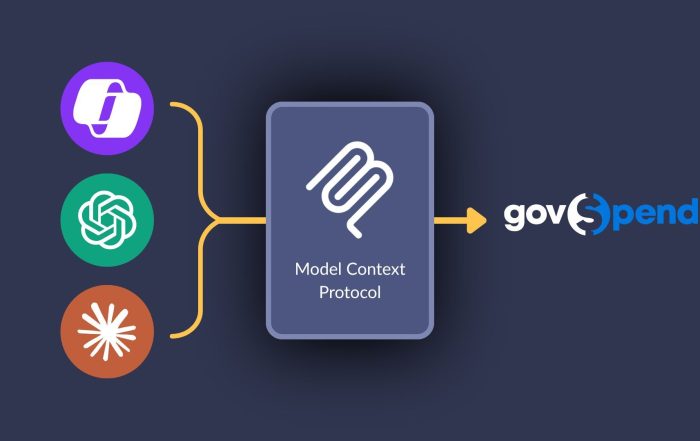

Earlier this month, we launched GovSpend’s MCP Server — a way for teams with AI infrastructure already in place to connect their tools directly to GovSpend data. It’s built for teams that are already building on AI in a structured way, and the setup requires some technical lift to get there.
For teams that aren’t ready for that yet, we built something else. GovSpend is now available as a native Slack app, with no major technical setup required.
Ask GovSpend questions directly from Slack
A Slack workspace admin installs the app once. Each team member then connects their own GovSpend account, and from that point, the GovSpend bot is active in your workspace. To use it, @-mention the bot in any channel where it’s been added, or open a direct message and ask your question in plain language.
@GovSpend, what were the top IT vendors for Fulton County last year?
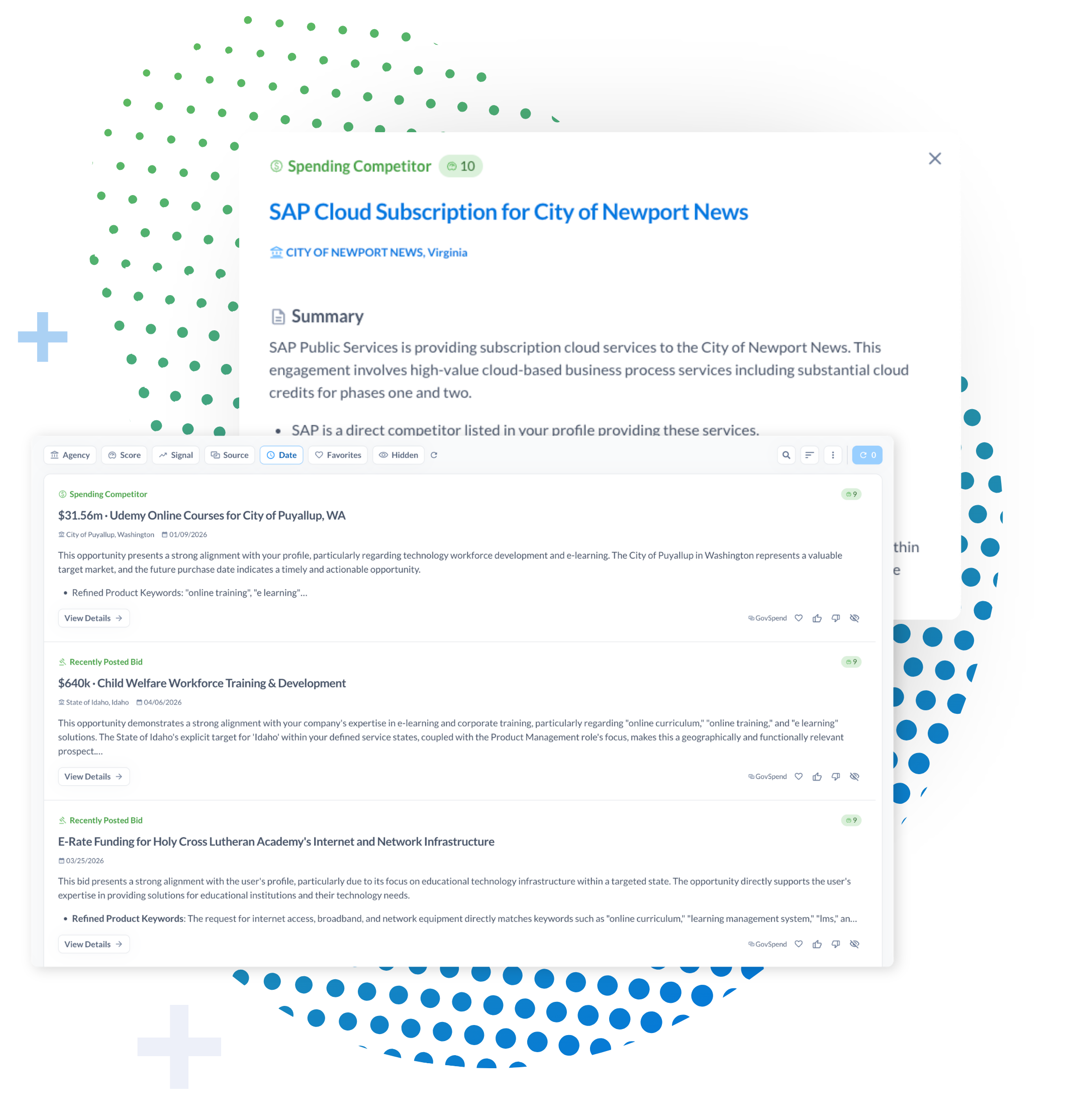
The bot replies in-thread, pulling answers directly from GovSpend data — vendor history, contract activity, bid records, spend analysis — without your team leaving the conversation or logging into GovSpend separately. You can also set up alerts so your channel is notified when new opportunities match your criteria, so relevant information surfaces automatically rather than waiting for someone to run a search.
How the Slack app fits alongside MCP
MCP is for teams that have built AI workflows and want GovSpend data embedded directly in those systems. The Slack app is for teams that want to access GovSpend intelligence in the tools you’re already using today, without a technical project to make it happen. Both are part of GovSpend’s broader approach to making procurement intelligence available wherever your team works — whether that’s a CRM, an AI tool, or the channel where your team is already tracking deals.
Getting started
The GovSpend Slack app is available now. Full setup instructions are available on our help site. If you’re an existing customer, your Relationship Manager can help you get it configured for your workspace. If you’re new to GovSpend, request a demo, and we’ll walk through how it fits into your workflow.
For current customers: contact your Relationship Manager or reach us at support@govspend.com. For prospective customers: request a demo here.
About the Author: GovSpend